> ## Documentation Index
> Fetch the complete documentation index at: https://docs.dintero.com/llms.txt
> Use this file to discover all available pages before exploring further.
# Show the checkout to the customer
> Render the Dintero Checkout to your customer using the session URL, with options for redirect, embedded iframe, or pop-out display modes.
When the session is created, you will get a response looking like this:
```json theme={null}
{
"id": "P12345678.55Q4CC1WuVJdgCssZfrf5a",
"url": "https://checkout.dintero.com/v1/view/P12345678.55Q4CC1WuVJdgCssZfrf5a"
}
```
## Embedding
To embed this in your website, we will use the [Dintero Web SDK].
Using the SDK is quite straight forward. Include the SDK code in your site, and include this code in the website:
```html theme={null}
```
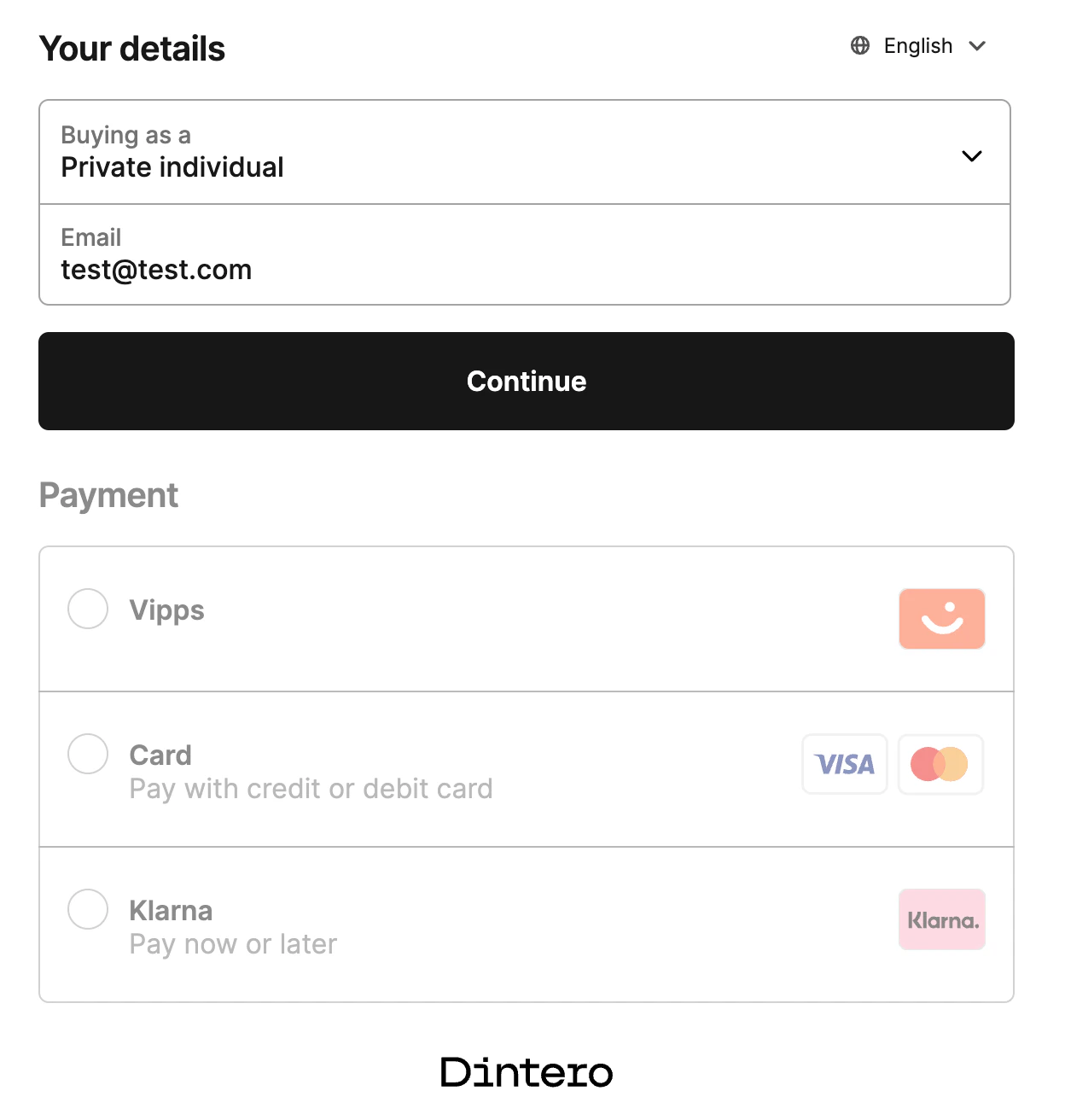
When embedded the payment will look like this:
 ## Redirecting
To redirect the user to the payment, point the browser to the url from the response.
Alternatively, you may use the [Dintero Web SDK].
```html theme={null}
```
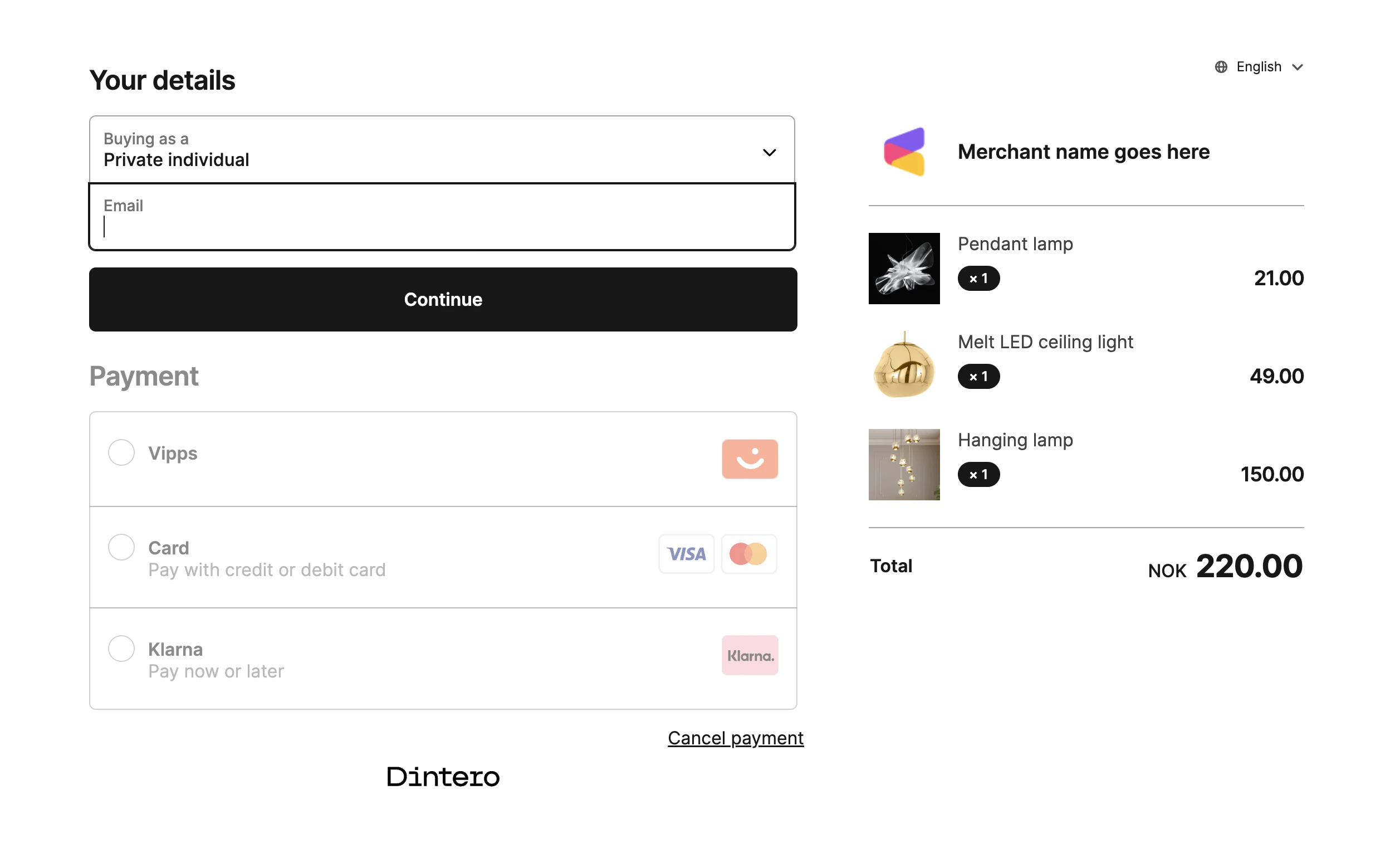
When viewing the payment, the customer will see something like this:
## Redirecting
To redirect the user to the payment, point the browser to the url from the response.
Alternatively, you may use the [Dintero Web SDK].
```html theme={null}
```
When viewing the payment, the customer will see something like this:
 ## Completing the payment
To complete the payment, the user must input email and address (Use [test data] for testing purposes).
When the payment is completed, a transaction will be created, and you will be redirected to the `return_url` from the session.
The next step is to handle the redirect and callback to the website.
[test data]: /docs/checkout/checkout-testdata
[Dintero Web SDK]: https://github.com/Dintero/Dintero.Checkout.Web.SDK
## Completing the payment
To complete the payment, the user must input email and address (Use [test data] for testing purposes).
When the payment is completed, a transaction will be created, and you will be redirected to the `return_url` from the session.
The next step is to handle the redirect and callback to the website.
[test data]: /docs/checkout/checkout-testdata
[Dintero Web SDK]: https://github.com/Dintero/Dintero.Checkout.Web.SDK