> ## Documentation Index
> Fetch the complete documentation index at: https://docs.dintero.com/llms.txt
> Use this file to discover all available pages before exploring further.
# Testing split payouts
> End-to-end testing for Dintero Split Payout — seller creation, payment sessions, payout, and settlement — using sandbox bank accounts and approval values.
Testing split payouts involves testing multiple steps:
* Seller Creation
* Payment Session Creation
* Payout and Settlement
## Seller Creation
To create sellers in Sandbox, go to **Settings** → **Sellers**, select **Test** and click **Add Seller**.
* In the **Organization number** field, put the organization number of the seller you want to test.
* In the **Seller ID** field, put any value that would represent the seller in your system. It can be anything, but it needs to be unique.
For automatic approval, check **Fast-track seller status** and select **Automatic approval** from the dropdown.
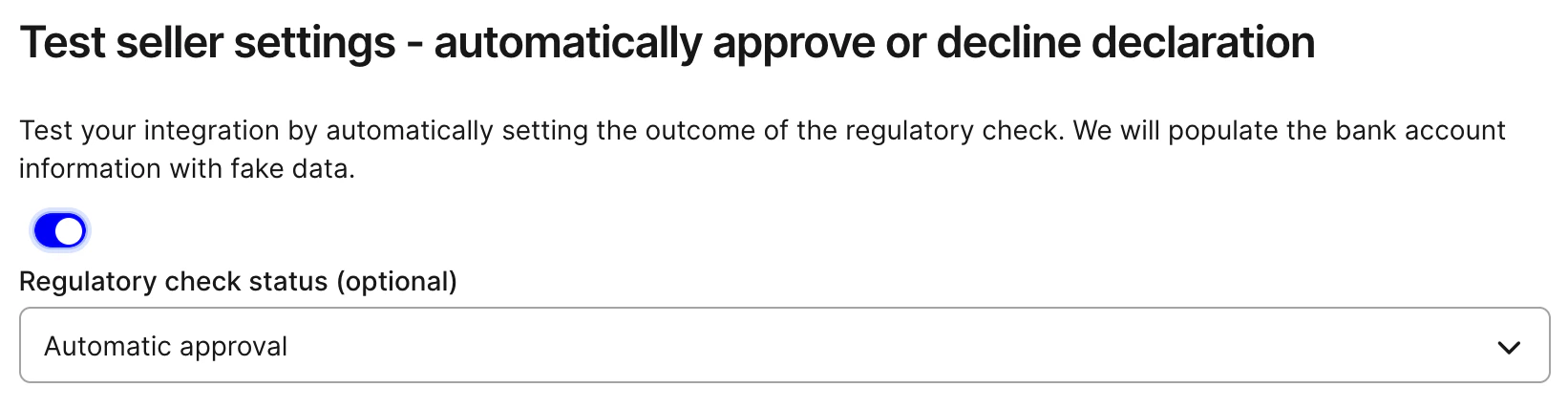 After clicking continue, you will reach this screen:
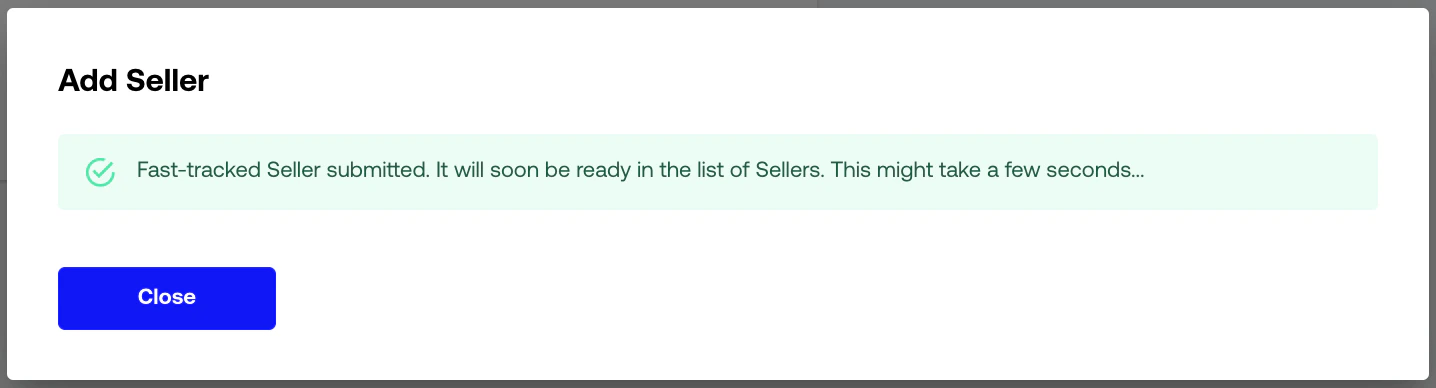 The seller will then be approved automatically within a few minutes.
### Testing with the API
It's of course possible to test sellers with the API as well. Follow this [guide](./add-payout-destinations#onboarding-your-merchants-through-the-api), and make sure to use the account id with a T-prefix.
Use a bank account from [Test bank accounts](/docs/checkout/testdata/approvals/bank-accounts).
For testing purposes you can also auto-approve, decline, or leave a new seller awaiting signature by adding magic values to `payout_destination_description`. See [Auto-approve sellers](/docs/checkout/testdata/approvals/auto-approve).
## Payment Session Creation
Sessions can be created with the T-prefixed account as shown in [Creating Split Sessions](./creating-split-session).
You can put a `payout_destination_id` created above in the split items, but any other value is also valid here.
## Payout and Settlement
These are not available in the sandbox environment, as it is a complicated process involving payment providers and
banks.
As long as the seller exists and the session is created correctly, payouts and settlements are tested to
work.
The seller will then be approved automatically within a few minutes.
### Testing with the API
It's of course possible to test sellers with the API as well. Follow this [guide](./add-payout-destinations#onboarding-your-merchants-through-the-api), and make sure to use the account id with a T-prefix.
Use a bank account from [Test bank accounts](/docs/checkout/testdata/approvals/bank-accounts).
For testing purposes you can also auto-approve, decline, or leave a new seller awaiting signature by adding magic values to `payout_destination_description`. See [Auto-approve sellers](/docs/checkout/testdata/approvals/auto-approve).
## Payment Session Creation
Sessions can be created with the T-prefixed account as shown in [Creating Split Sessions](./creating-split-session).
You can put a `payout_destination_id` created above in the split items, but any other value is also valid here.
## Payout and Settlement
These are not available in the sandbox environment, as it is a complicated process involving payment providers and
banks.
As long as the seller exists and the session is created correctly, payouts and settlements are tested to
work.