> ## Documentation Index
> Fetch the complete documentation index at: https://docs.dintero.com/llms.txt
> Use this file to discover all available pages before exploring further.
# When to expect payouts
> Understand Dintero's payout schedules and how long it takes to receive funds after a transaction is captured.
Payouts are based on when transactions are **captured**, not when customers place their orders. An authorized order that you capture later is included in the payout period when the capture happens.
 ## Processing time
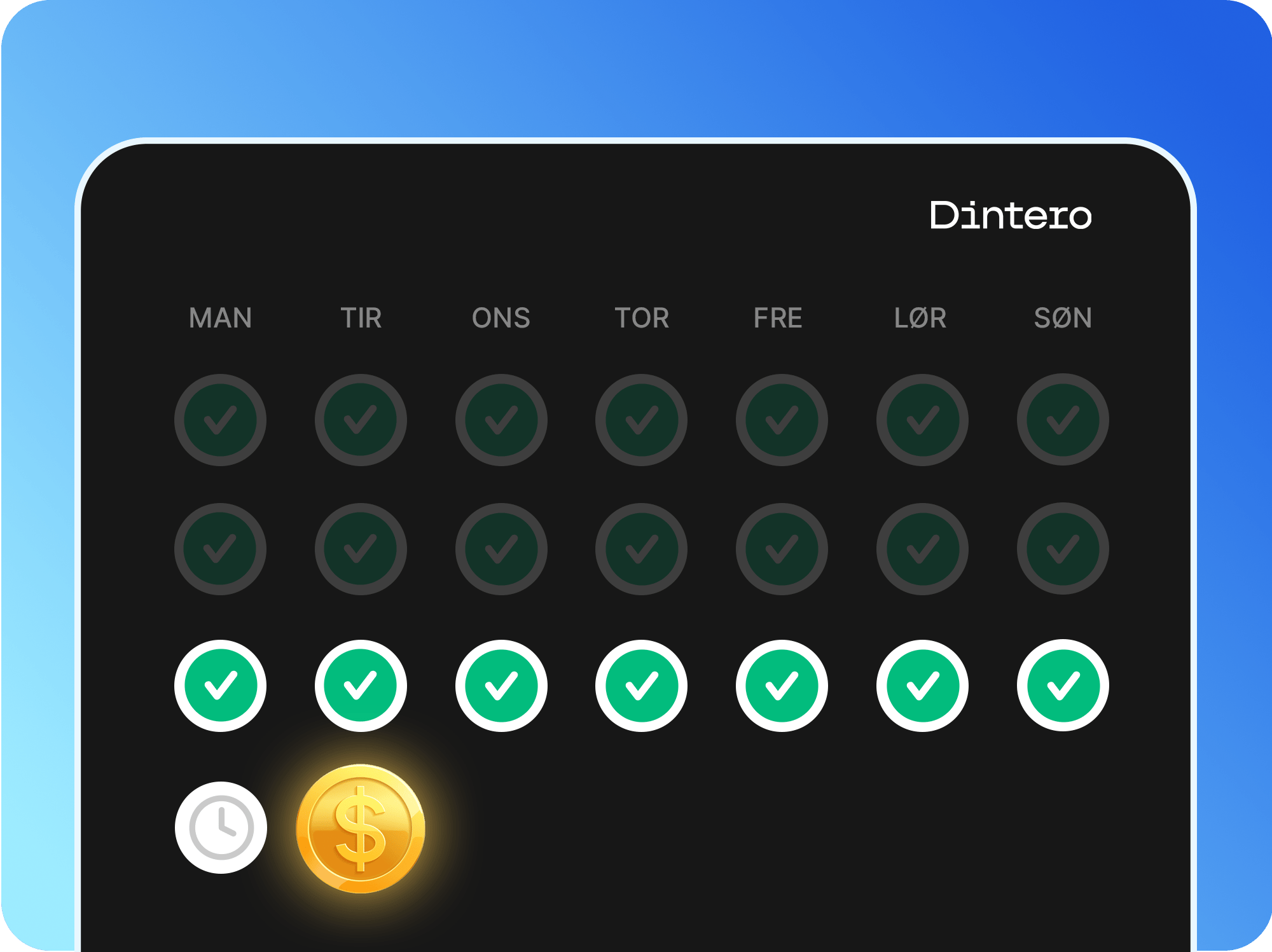
Due to processing time and AML (anti-money laundering) procedures, it takes **at least 2 business days** from when Dintero receives funds from the customer's bank or invoice partners before a payout can be generated.
## Payout schedules
| Schedule | Payout day | Cost |
| ---------------- | -------------------------- | ------------ |
| Weekly (default) | Every Tuesday | Free |
| Monthly | First Tuesday of the month | Free |
| Daily | Every business day | 395 kr/month |
For weekly and monthly schedules, transactions captured after Tuesday's cutoff are included in the next payout, not the current one.
Use the [payout date calculator](https://www.dintero.com/payouts) to find the exact date a specific transaction will be paid out.
## Enable daily payouts
Daily payouts cost **395 kr/month** and apply only to domestic transactions in the same currency as your bank account. Cross-border transactions (for example, EUR payments to a NOK account) follow the standard weekly schedule regardless of this setting.
In [Dintero Backoffice](https://backoffice.dintero.com), go to **Settings** > **Payments** > **Additional services**.
## Processing time
Due to processing time and AML (anti-money laundering) procedures, it takes **at least 2 business days** from when Dintero receives funds from the customer's bank or invoice partners before a payout can be generated.
## Payout schedules
| Schedule | Payout day | Cost |
| ---------------- | -------------------------- | ------------ |
| Weekly (default) | Every Tuesday | Free |
| Monthly | First Tuesday of the month | Free |
| Daily | Every business day | 395 kr/month |
For weekly and monthly schedules, transactions captured after Tuesday's cutoff are included in the next payout, not the current one.
Use the [payout date calculator](https://www.dintero.com/payouts) to find the exact date a specific transaction will be paid out.
## Enable daily payouts
Daily payouts cost **395 kr/month** and apply only to domestic transactions in the same currency as your bank account. Cross-border transactions (for example, EUR payments to a NOK account) follow the standard weekly schedule regardless of this setting.
In [Dintero Backoffice](https://backoffice.dintero.com), go to **Settings** > **Payments** > **Additional services**.
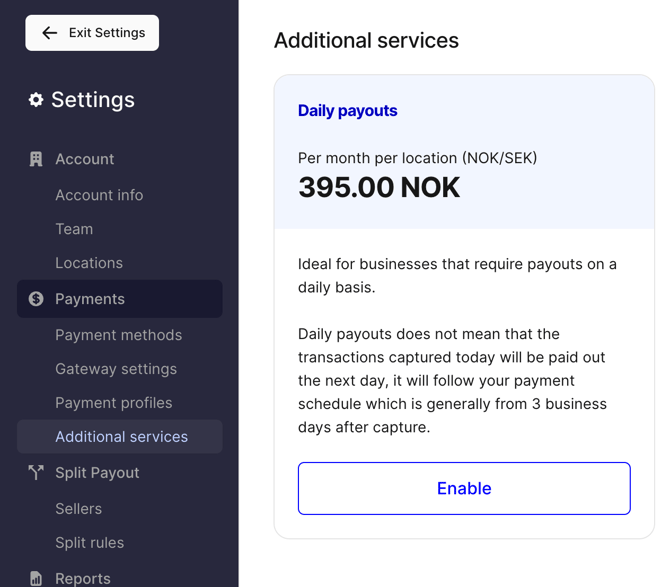 Toggle on **Daily payouts** and save.
## Payout not arrived?
See [Payout troubleshooting](/docs/integrations/support/payout-missing).
Toggle on **Daily payouts** and save.
## Payout not arrived?
See [Payout troubleshooting](/docs/integrations/support/payout-missing).