

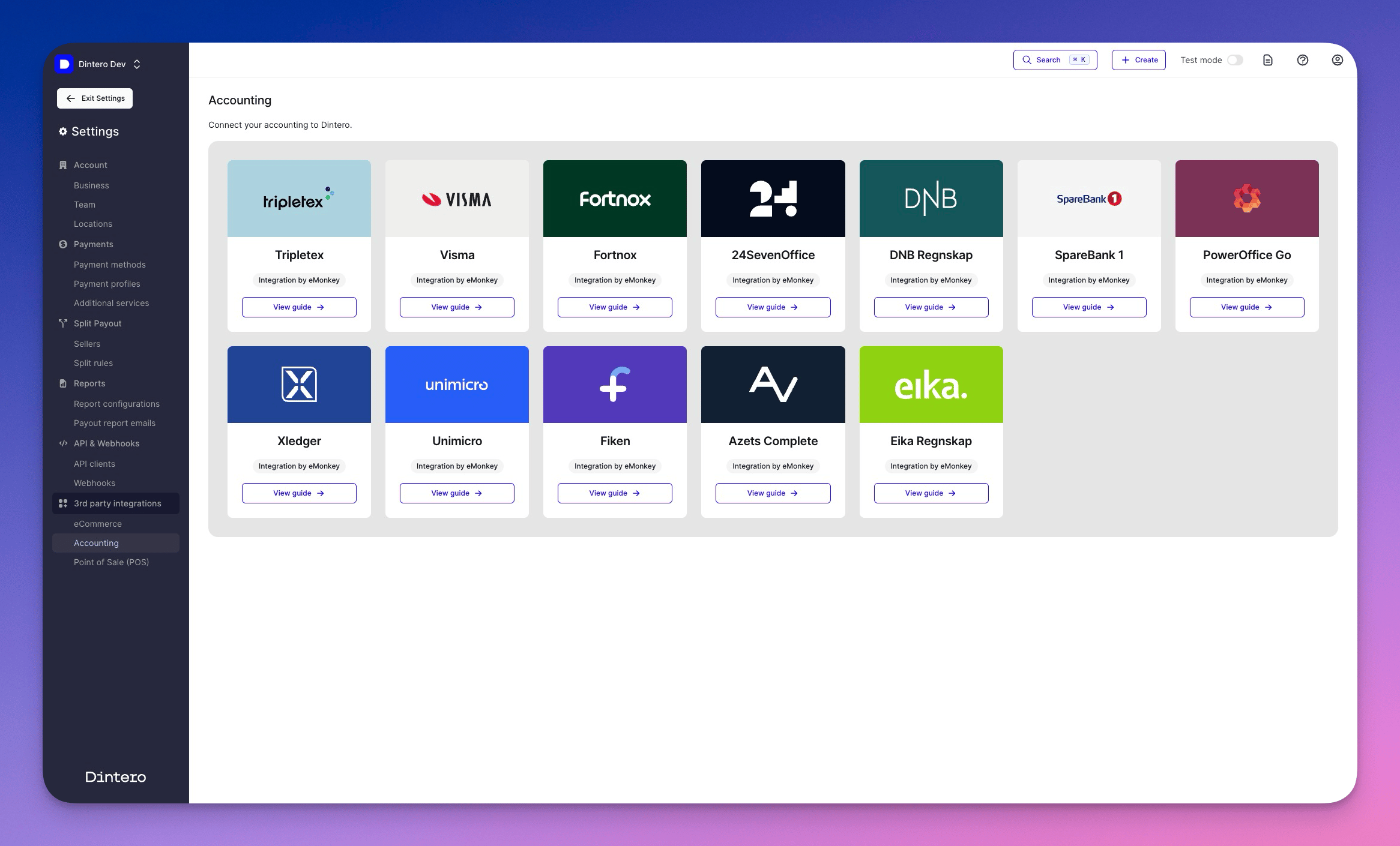
Supported accounting systems
Dintero connects to Nordic accounting and ERP systems through its partners, including:Tripletex
Visma
Fortnox
24SevenOffice
DNB Regnskap
SpareBank 1
PowerOffice
Xledger
Unimicro
Fiken
Azets Complete
Eika
Automate payout reporting
Payout reporting transfers settlement and fee data to your accounting system without any technical setup. It is included at no extra cost. This lets you:- Reconcile payouts from your online store with bank deposits
- Match payout data and fees in your accounting system
- Automate file-based routines for faster end-of-month reporting
1
Open accounting settings
In Dintero Backoffice, go to Settings > Accounting.
2
Select a format or provider
Choose the file format or provider that matches your accounting system.
3
Choose where to send reports
Enter the destination for the reports, such as the account-specific email address for your accounting system.
Full integration per order
If you need each order, transaction, and fee matched directly in your accounting system (for example, to create vouchers per order), this is handled through a third-party integration partner. This includes:- Real-time syncing of orders, fees, and refunds
- Automatic creation of accounting vouchers per transaction
- Deep integration with ERP systems and ecommerce platforms
Not sure which option fits your business? Contact Dintero support to find the right setup.