

This applies to future reports only. Reports already generated cannot be forwarded retroactively.
Set up report forwarding for a seller
1
Open payout report emails
In Dintero Backoffice, go to Settings > Payout report emails.
2
Create a subscription
Click Create report email subscription.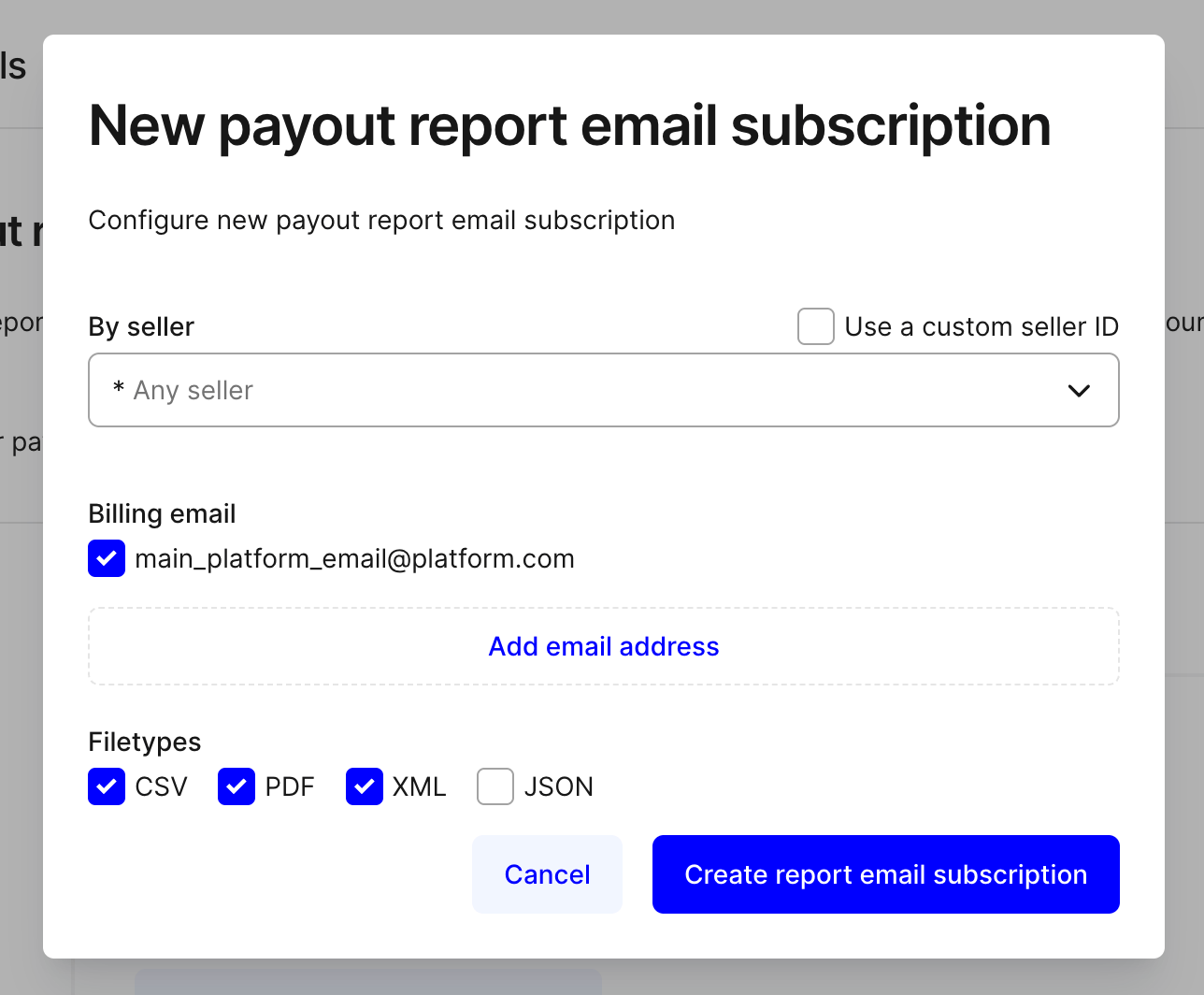
3
Select the seller
Choose the seller ID from the dropdown. This list contains all sellers connected to your marketplace account.
4
Add recipients and choose formats
Enter one or more email addresses to receive the reports. Select the report formats you want to send (for example, PDF, CSV, or both).
5
Save the subscription
Click Create in the confirmation popup to activate the subscription.