To create sellers in Sandbox, go to Settings → Sellers, select Test and click Add Seller.
In the Organization number field, put the organization number of the seller you want to test.
In the Seller ID field, put any value that would represent the seller in your system. It can be anything, but it needs to be unique.
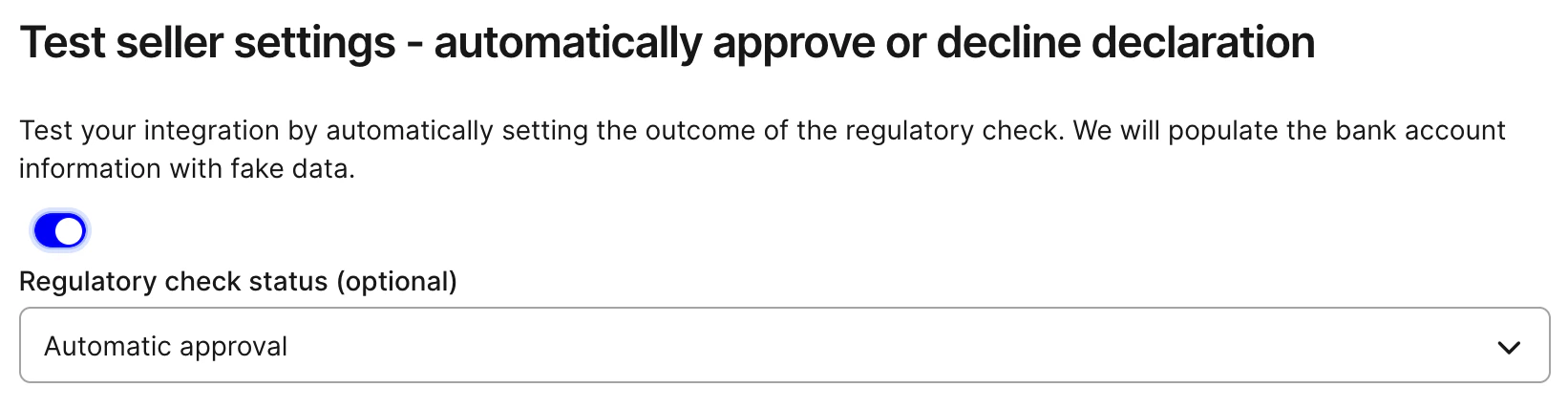
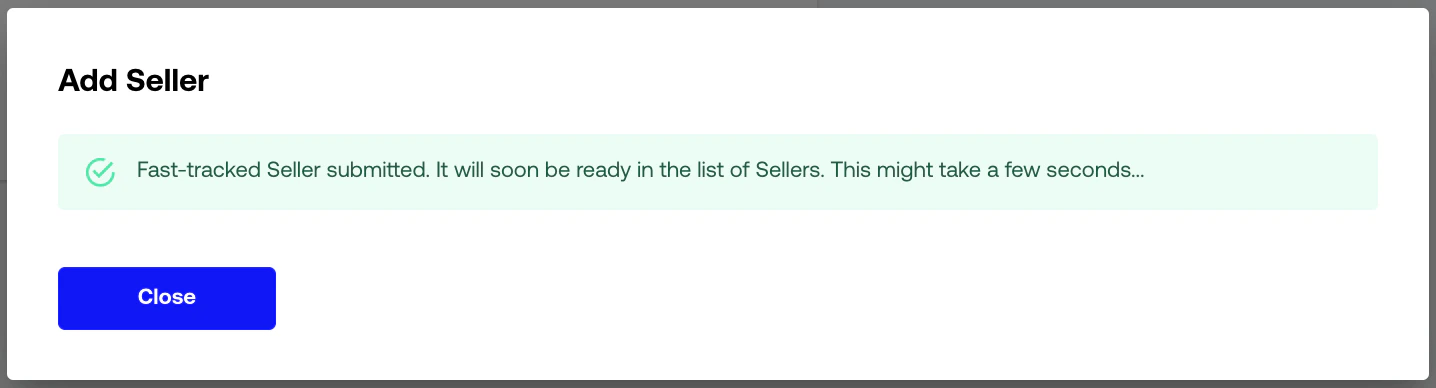
For automatic approval, check Fast-track seller status and select Automatic approval from the dropdown.After clicking continue, you will reach this screen:The seller will then be approved automatically within a few minutes.
It’s of course possible to test sellers with the API as well. Follow this guide, and make sure to use the account id with a T-prefix.Use a bank account from Test bank accounts.For testing purposes you can also auto-approve, decline, or leave a new seller awaiting signature by adding magic values to payout_destination_description. See Auto-approve sellers.
Sessions can be created with the T-prefixed account as shown in Creating Split Sessions.You can put a payout_destination_id created above in the split items, but any other value is also valid here.
These are not available in the sandbox environment, as it is a complicated process involving payment providers and
banks.As long as the seller exists and the session is created correctly, payouts and settlements are tested to
work.
Last modified on September 30, 2026
Assistant
Responses are generated using AI and may contain mistakes.