Sending payment links requires desktop access to Backoffice.
Invite a team member
1
Open the Team settings
In Dintero Backoffice, go to Settings > Team and click Add member.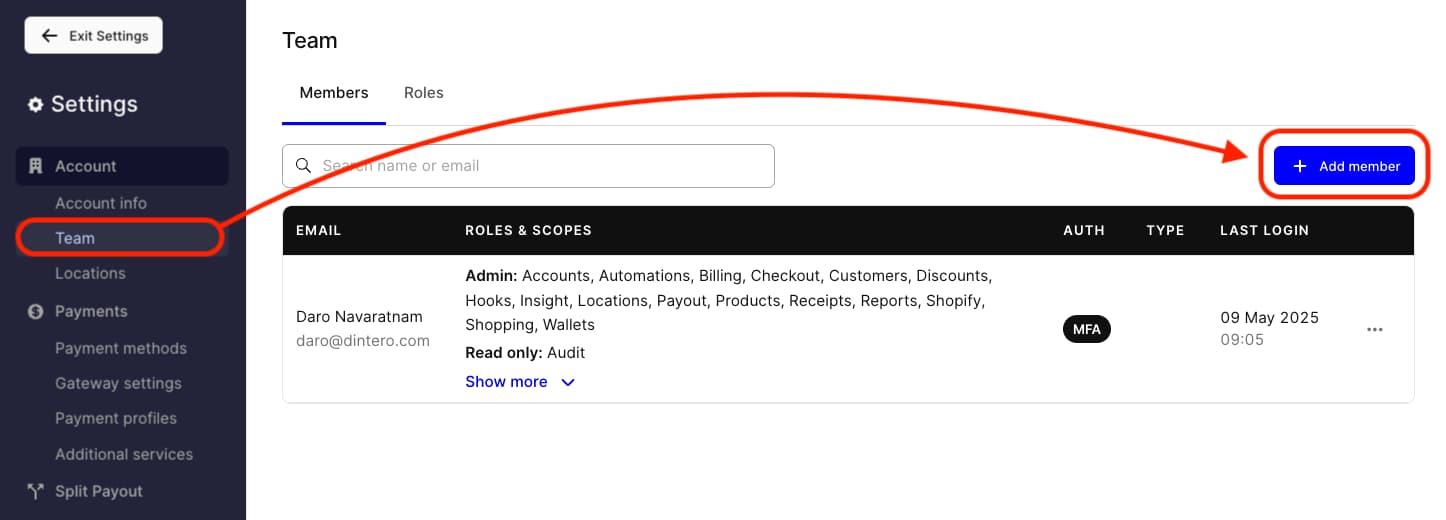
2
Enter the email address
Type the new member’s email address in the field. Press Enter to add it. You can add multiple addresses at once.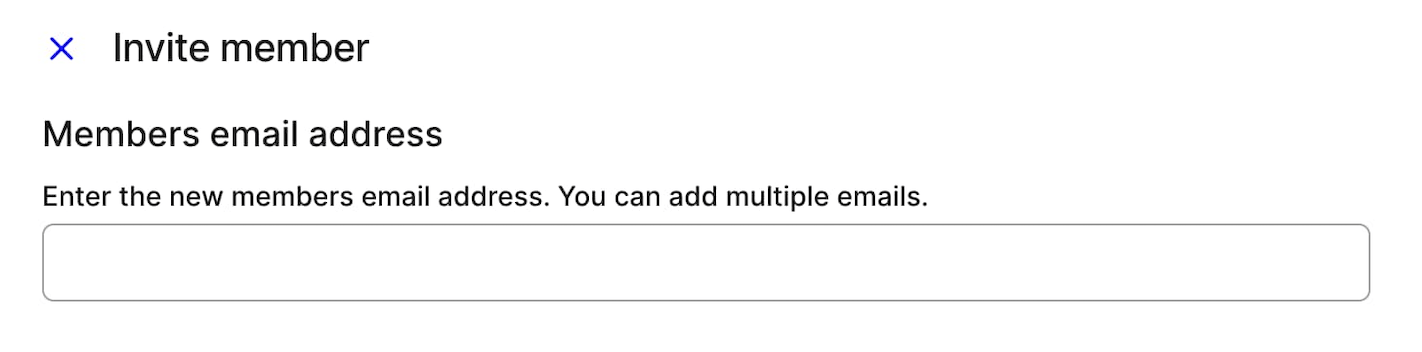
3
Set their access level
Select the roles and scopes for the new member. Each scope can be set to Full or Read only.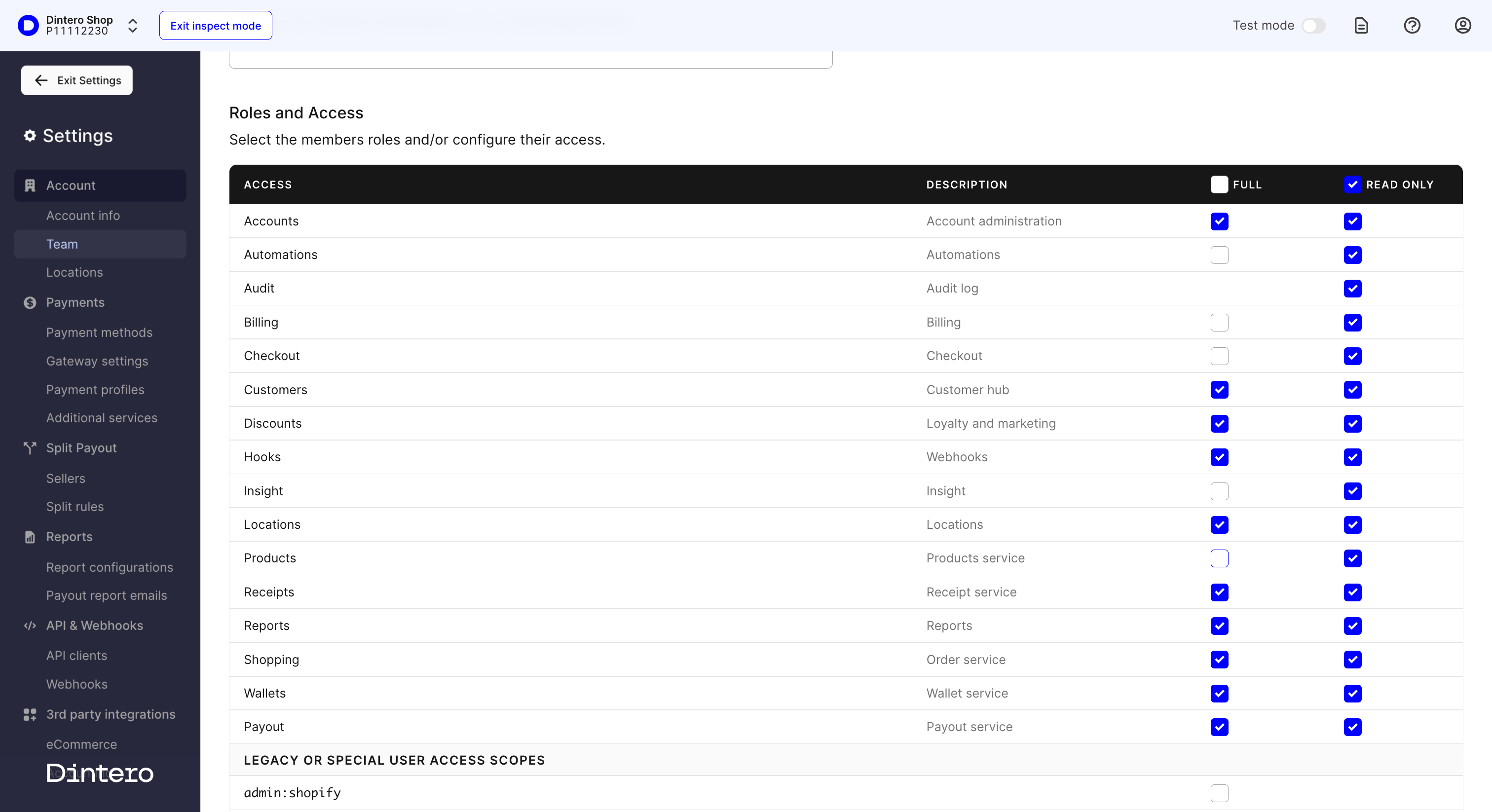
4
Send the invitation
Click Invite member. The user receives an email invitation to join the account.