

Add the URL
1
Go to Settings
In Dintero Backoffice, select Settings from the left menu.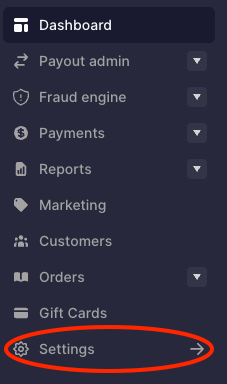
2
Open Business and click Business details
Go to Business under Account, go to the Business details tab.
3
Enter your terms and conditions URL
Find the Terms and conditions section, click “Edit” on the top right of the section.Choose Type of Terms and enter your URL.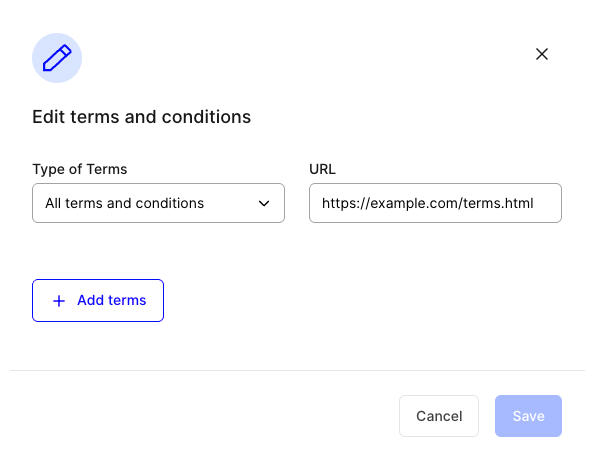
4
Save
Click Save. The checkout will now display a link to your terms.