Dintero sends system notifications to a designated technical email address. Notifications include alerts about integration issues and expiring API client authorizations. This is typically the email of the developer responsible for your Dintero integration, but it can be any email you choose.

Update the address

1

Go to Settings

In Dintero Backoffice, select Settings from the left menu.
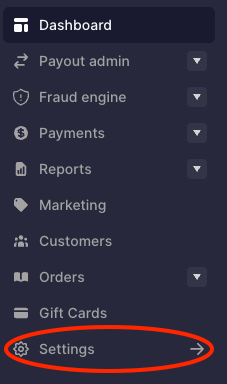
Dintero Backoffice left navigation with Settings highlighted
2

Open Business and click Business details

Go to Business under Account, go to the Business details tab.Click Edit on the top right of the Business details section.
3

Update the technical contact field

Find the Technical contact field and enter the new email.
4

Save

Click Save.
Last modified on June 18, 2026