

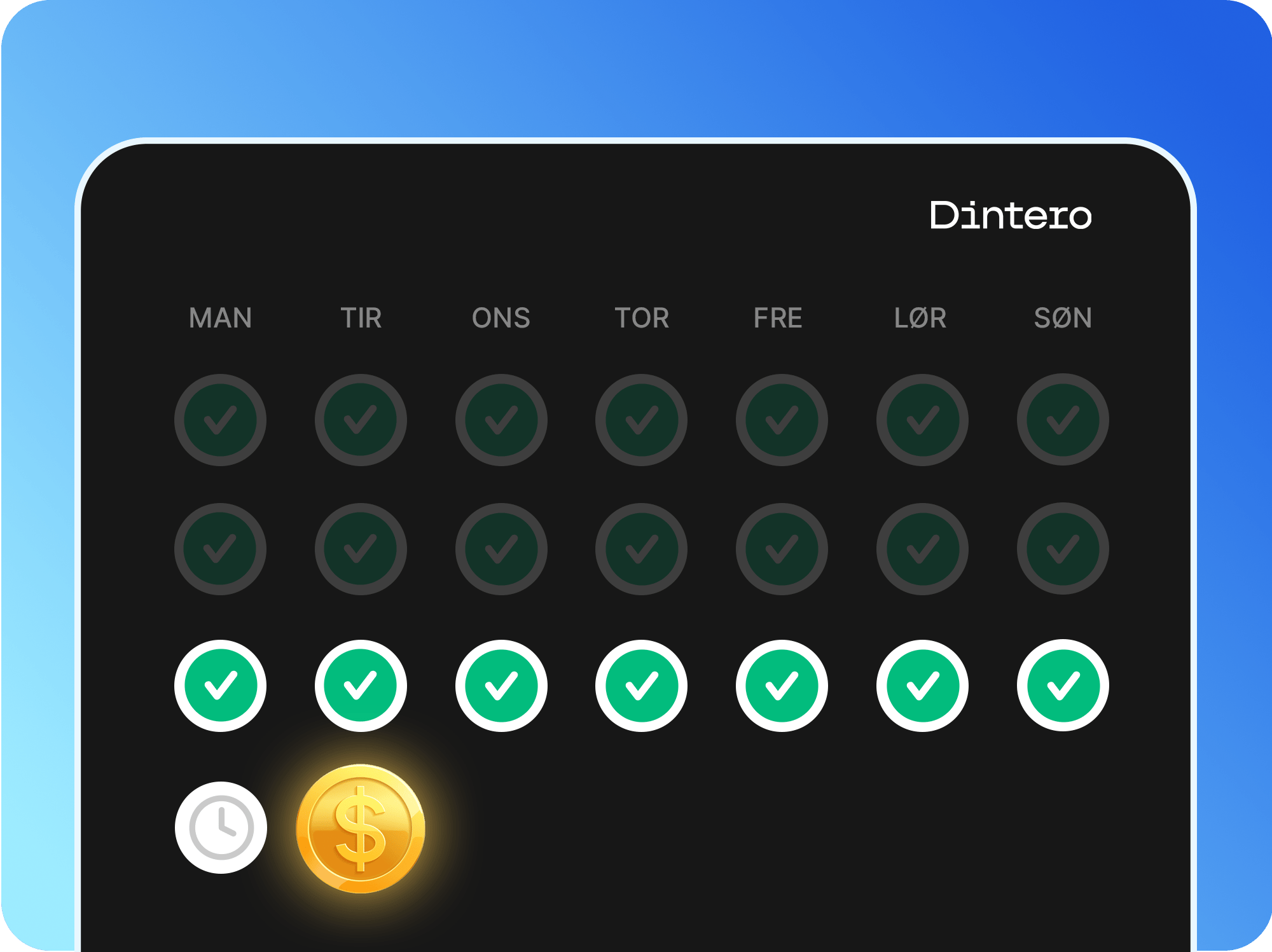
Processing time
Due to processing time and AML (anti-money laundering) procedures, it takes at least 2 business days from when Dintero receives funds from the customer’s bank or invoice partners before a payout can be generated.Payout schedules
For weekly and monthly schedules, transactions captured after Tuesday’s cutoff are included in the next payout, not the current one.
Enable daily payouts
Daily payouts cost 395 kr/month and apply only to domestic transactions in the same currency as your bank account. Cross-border transactions (for example, EUR payments to a NOK account) follow the standard weekly schedule regardless of this setting.1
Open Additional services
In Dintero Backoffice, go to Settings > Payments > Additional services.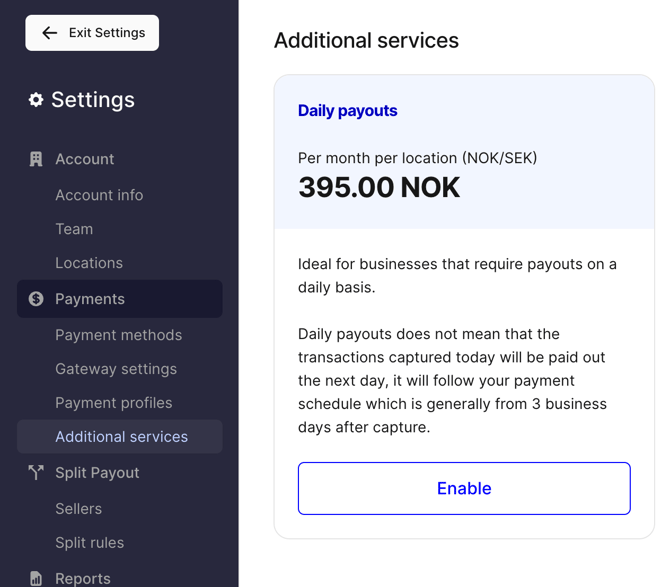
2
Enable daily payouts
Toggle on Daily payouts and save.