Payout reports
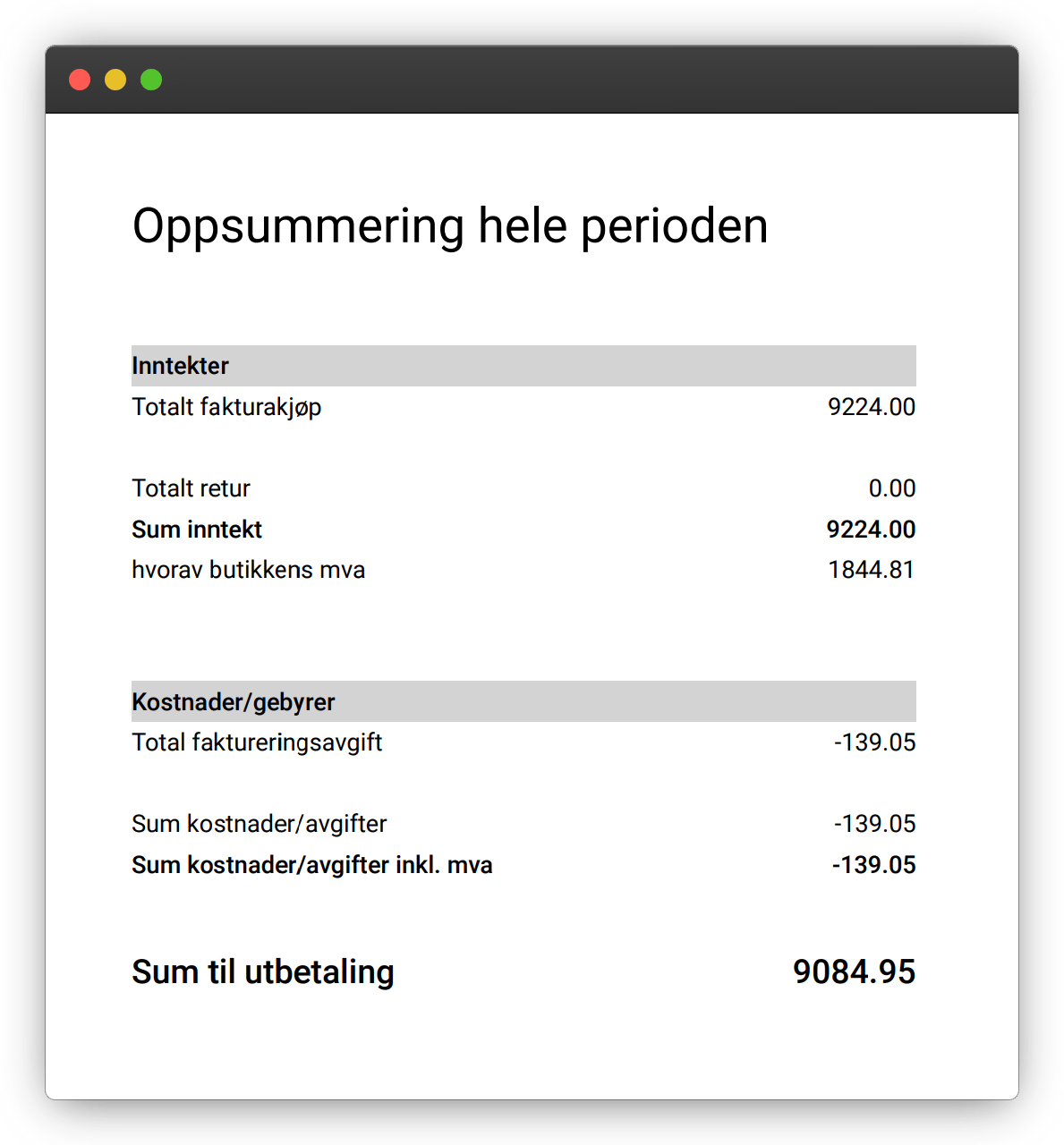
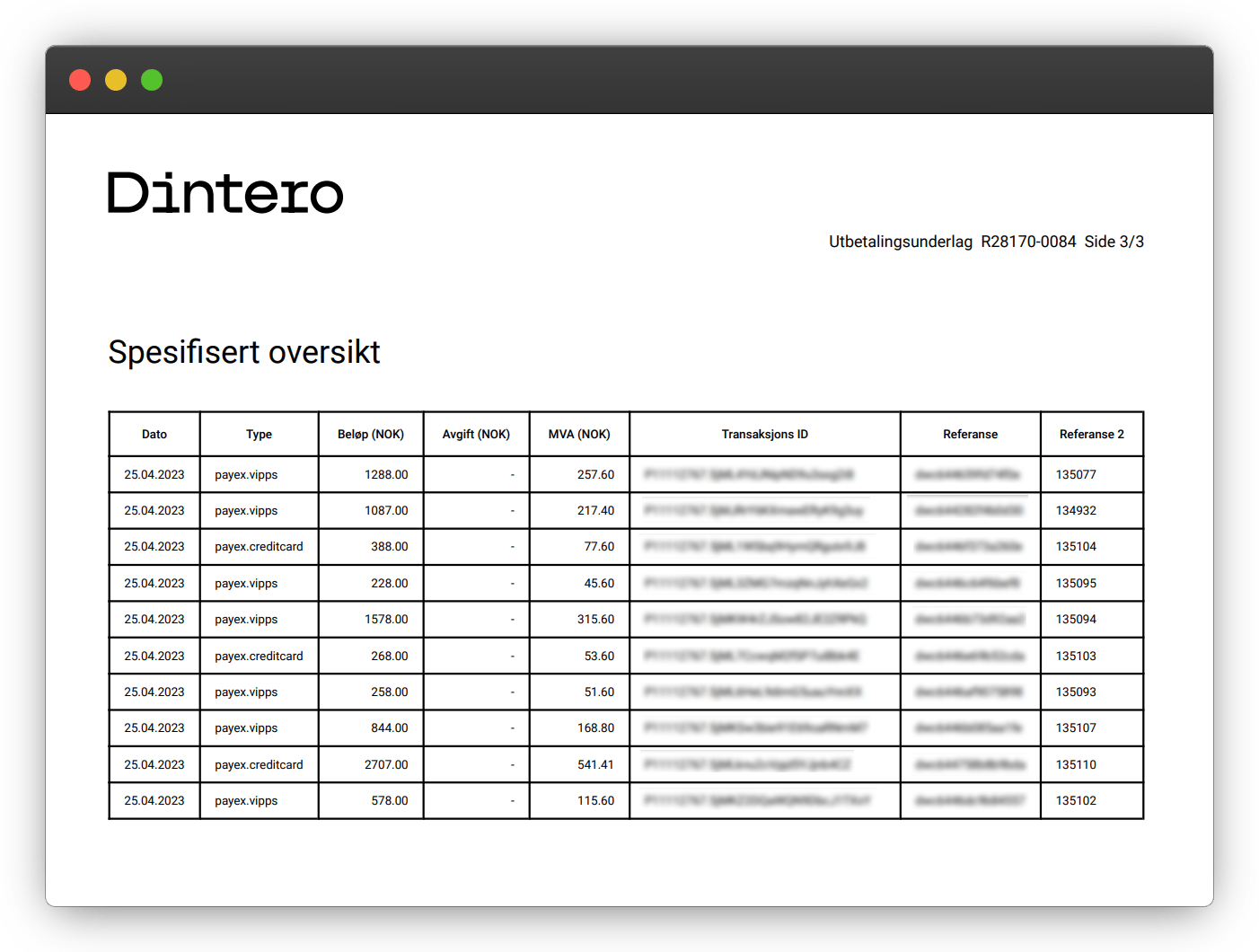
A payout report is generated for each transfer Dintero sends to your bank account. It shows:- Gross amount for the payout period
- Transaction fees deducted
- Net amount transferred
- Each individual transaction included
Periodic reports
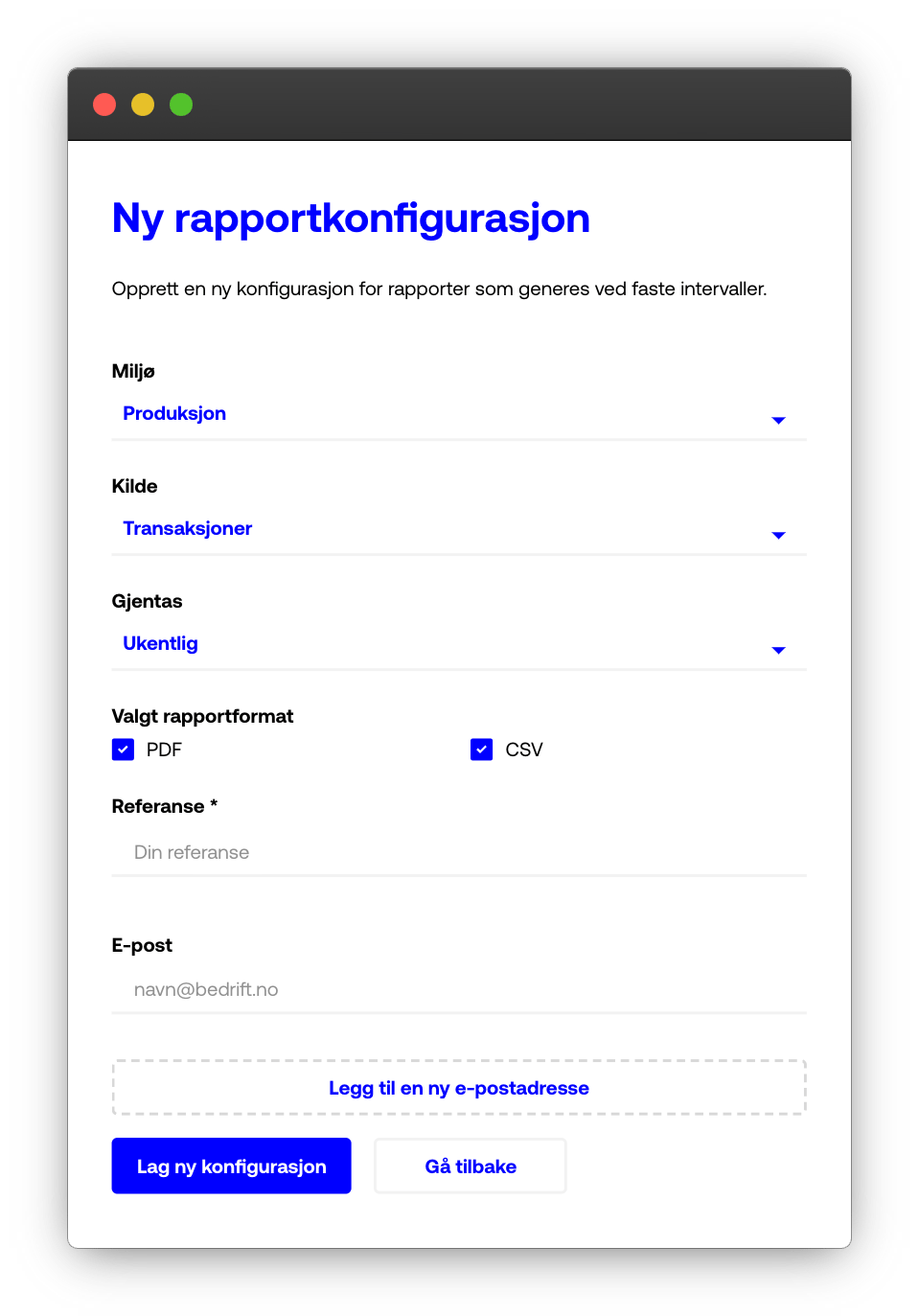
Periodic reports show all transactions completed during a chosen period, independent of when they were paid out. Monthly reports are configured automatically. Find them in Backoffice under Reports > Reports.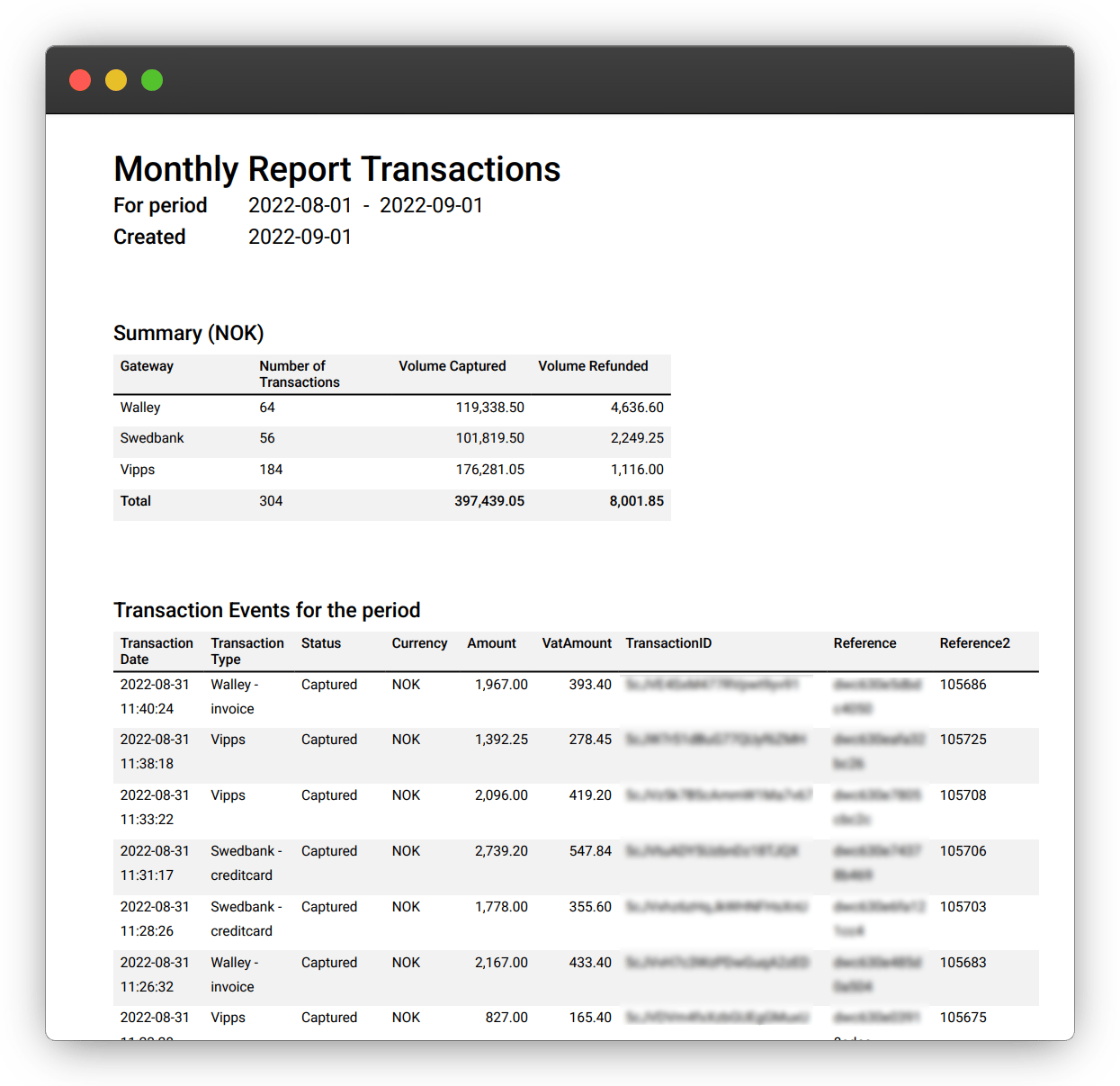
Connect to your accounting system
You can have Dintero send payout reports automatically to your accounting software by email.1
Find your accounting system's report email
In your accounting software, locate the unique email address for importing documents. This is specific to each application.
2
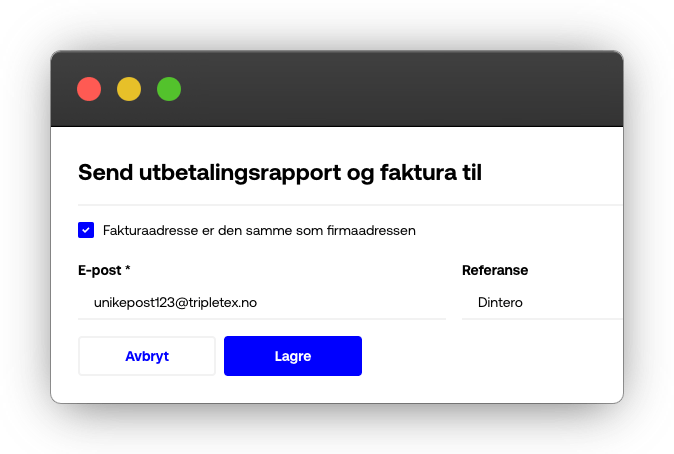
Add it in Backoffice
In Dintero Backoffice, go to Settings > Account info and click Edit account. Scroll to Send payment report and invoice to and enter the email address.