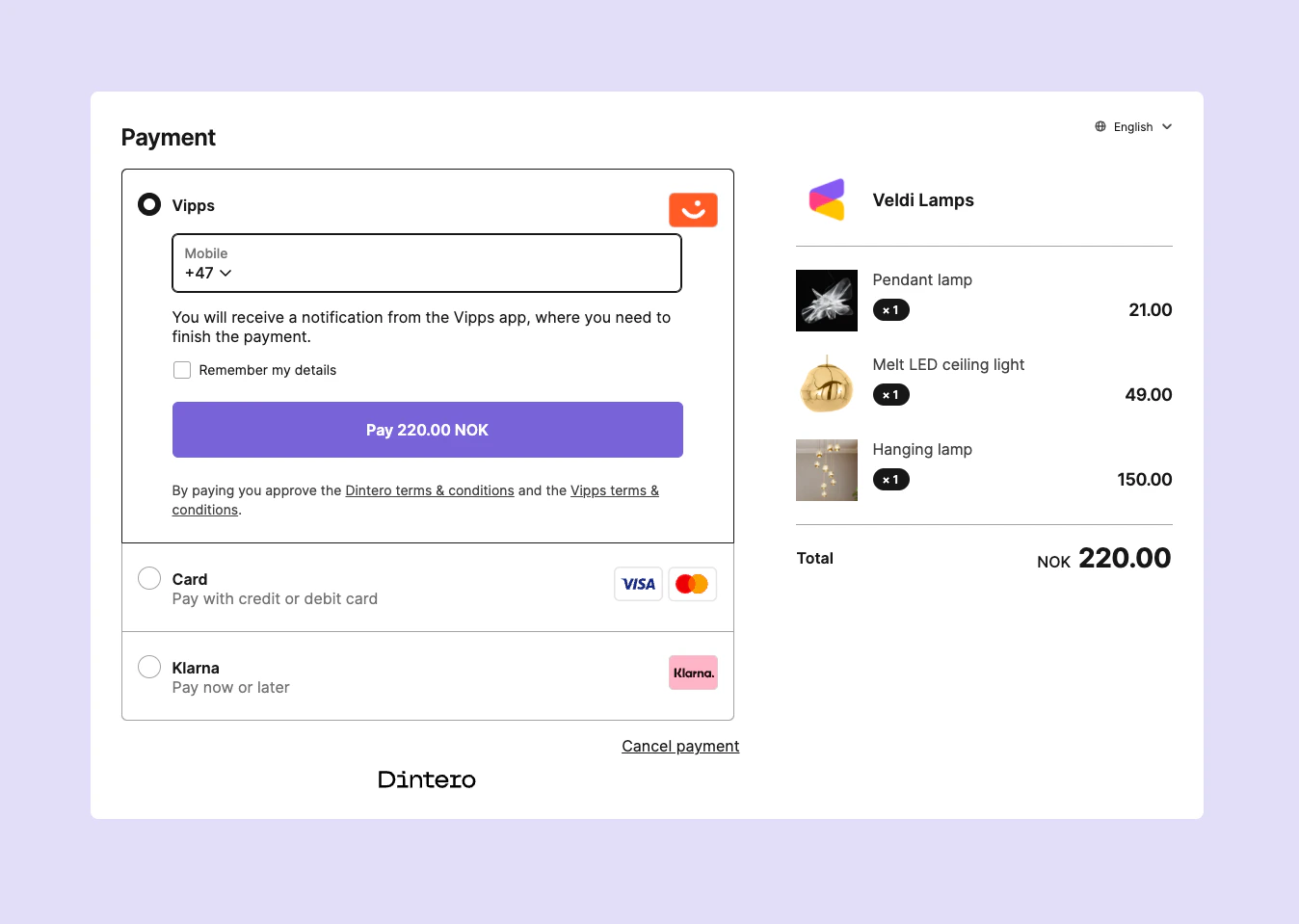
Customize the appearance of your Dintero Checkout.
A theme configuration can be added either to a session, or to a payment profile.
Example Custom theme configuration:
Results in a checkout session that looks like this:
Colors Supported color formats are
hex: #ff0000
rgb: rgb(255,0,0)
rgba: rgba(255,0,0,0.5)
A custom color can be specified for these entities
backdrop : Color on backdrop shown in redirect desktop modeprimary : Primary color used on pay button and other buttons.
API documentation For more details see our API specification:
Other customizations to the checkout user interface There are also some layout changes can be achieved via query parameters. These are not possible to set in the theme.
Hiding the items drawer Append the hide_items=true query parameter to the checkout session url to hide the items in when the checkout is not embedded (when embedded the items are hidden).
Hiding the language selector Append the hide_language=true query parameter to the checkout session url to hide the language selector. Last modified on September 30, 2026