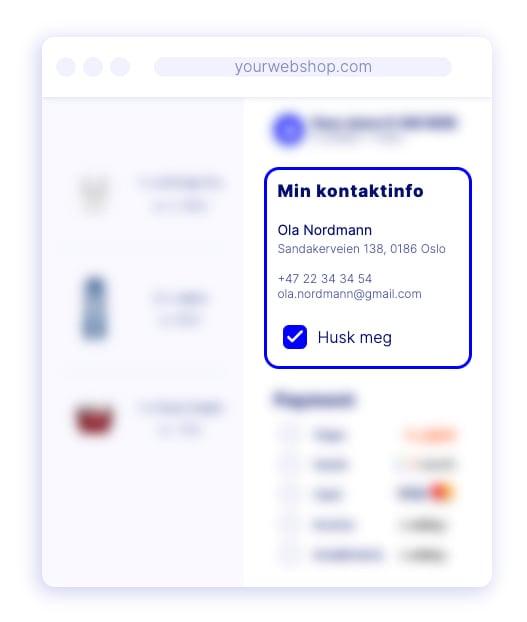
Dintero plugins support two checkout modes. The mode you choose affects how customer contact details are collected during checkout.
Checkout Express vs. standard checkout comparison

Comparison

Checkout ExpressStandard checkout
Customer contact detailsAuto-filled for returning customersEntered manually each time
B2B invoicingSupportedNot supported
Browser verificationSome browsers require email or SMS confirmationNot applicable
Best forMost storesStores where another plugin must collect customer data

Checkout Express

Checkout Express remembers returning customers and pre-fills their contact details, including name and address, without requiring them to type them again.
Some browsers require the customer to verify their email address or confirm via SMS before details are pre-filled.
B2B invoicing requires Checkout Express. If you want to offer invoice payment for companies, you must activate this mode.

Standard checkout

Standard checkout presents a regular form where customers enter their contact details manually on every purchase. Use this if:
  • Another plugin in your store needs to collect customer data independently.
  • Your workflow requires a separate contact data collection step.

Which should you use?

Use Checkout Express for most stores. It reduces friction for returning customers and is the only mode that supports B2B invoicing. If you are unsure which fits your setup, contact Dintero support.
Last modified on June 18, 2026